
Your card, your workouts, your progress.
If your gym uses Gimens, everything you need is in one app: your membership card, each day's workouts, your results, and your gym cheering you on.
What's in the app
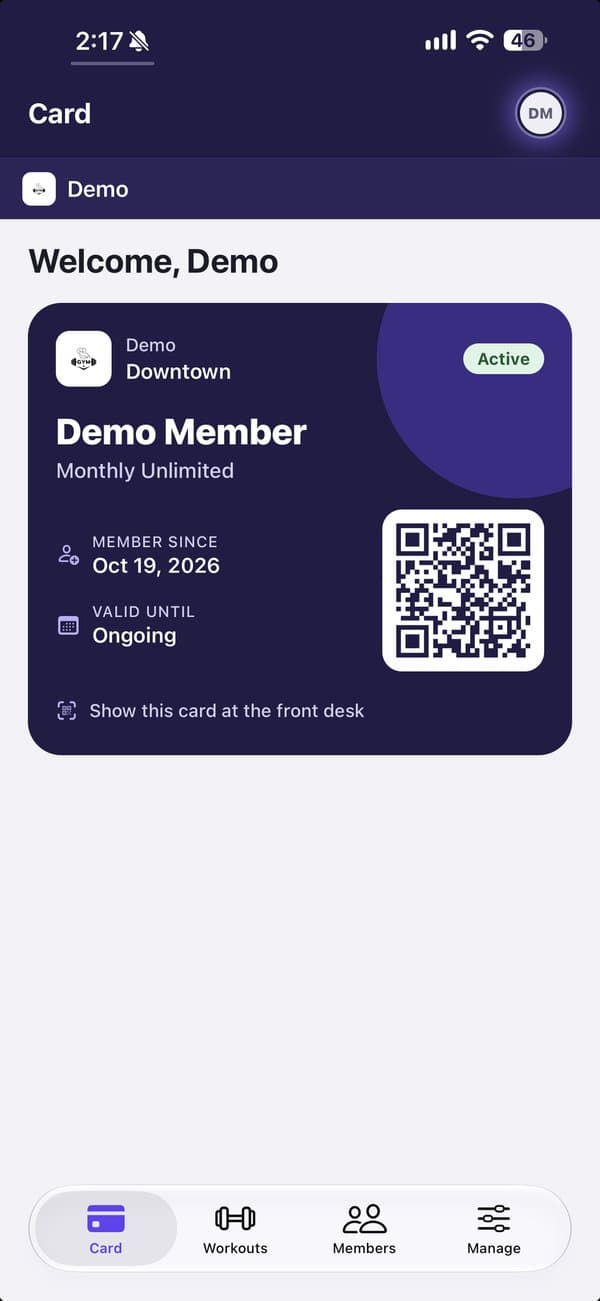
Your membership card
Show the QR code at the front desk. Your plan, start date and status are always on it.
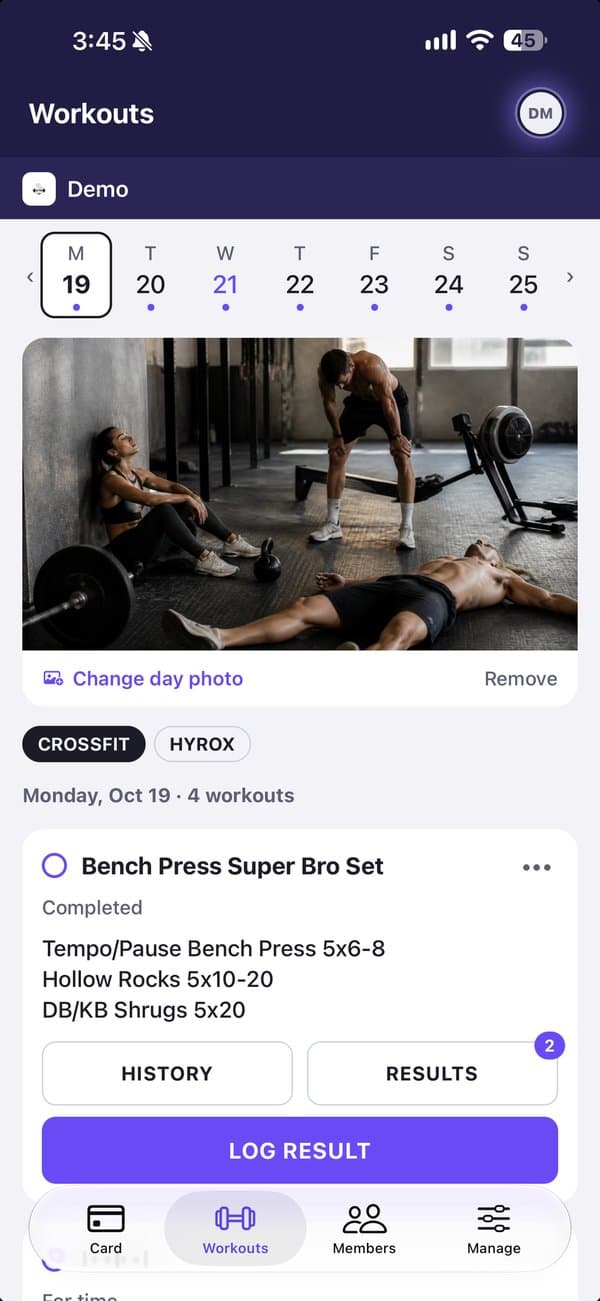
Each day's workouts
See what's programmed for your track the evening before, so you know what you're walking into.
Log and look back
Log your time, rounds or weight, Rx or Scaled, with notes. My workouts keeps everything you've done.
Cheer each other on
Fist bump, high five, fire or strong arm a result, and comment with text or a GIF. No rankings.
How to join
Gimens accounts come from your gym, so there's nothing to sign up for.
- 1Your gym adds youThe front desk adds your email and plan. You get a welcome email.
- 2Sign in with a codeEnter your email in the app or on the web, then the 6-digit code we send you.
- 3Finish setting upAdd your details and an emergency contact, and choose how you'll pay if your gym takes cards.
- 4You're inYour card is ready and the day's workouts are waiting. Turn on Face ID to skip the code next time.
Questions
My gym doesn't use Gimens. Can I still use it?
Not yet: Gimens works through your gym. Tell them about it, or point the owner to the page for gyms.
I can't sign in.
Use the email your gym has on file, and check your spam folder for the code. The front desk can check or change your email.
Who sees my results?
Only people at your gym. Private notes are only for you, and you can hide anyone you'd rather not see.
How do I change my membership or billing?
Your gym manages memberships. Ask the front desk to freeze, switch or cancel.